

Emacs Liquid Glass Icons
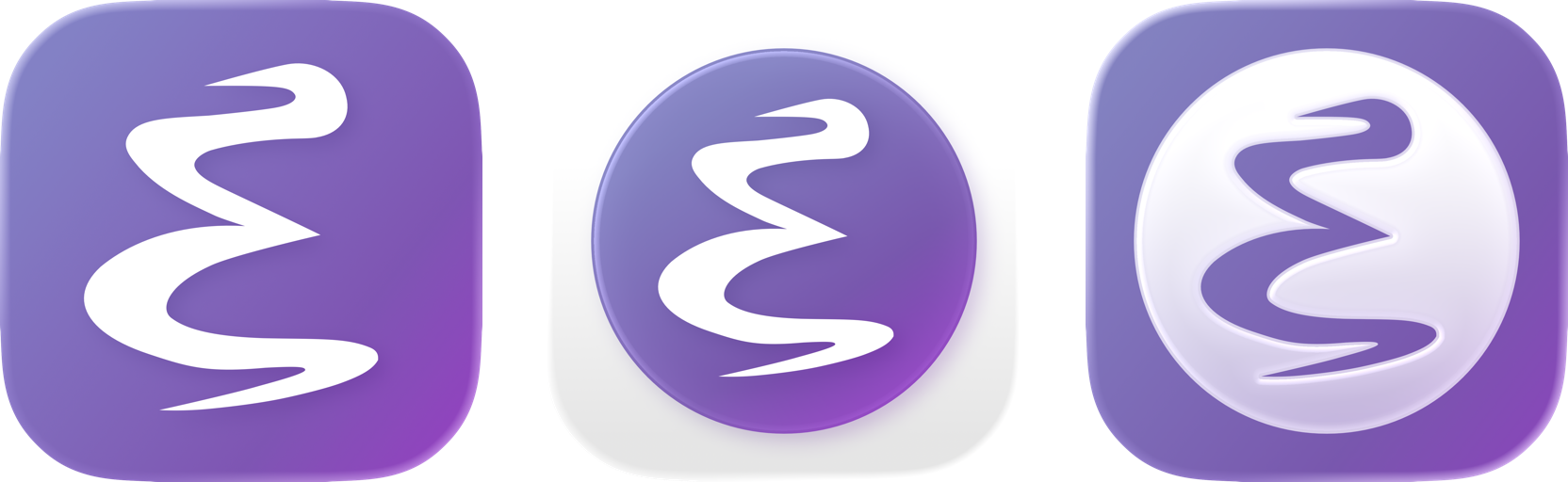
Emacs app icons in macOS 26's new Liquid Glass style.
The Icons
EmacsLG1
EmacsLG1 simplifies and changes the outer shape of the default icon to comply with the shape of Liquid Glass icons.

EmacsLG2
EmacsLG2 stays as close to the original round icon as possible, while giving it that Liquid Glass flair.

EmacsLG3
EmacsLG3 is the biggest divergence from Emacs' default icon, and is inspired by the changes Apple has made to some of its own icons in macOS 26.

Usage
macOS 15 and earlier
Grab the .icns file you prefer from the Resources directory, and replace
Contents/Resources/Emacs.icns within your Emacs.app.
You may need to rename the Emacs app to something else (like "EmacsX") and then back again to "Emacs" for the icon change to take immediate effect.
macOS 26
On macOS 26, the icons support light/dark mode, clear glass mode, and custom
color tints as well. However, this works a bit different from the old .icns
files.
Grab the Assets.car from the Resources directory, and place it into
Contents/Resources within your Emacs.app.
Then edit Contents/Info.plist, and add the following:
<key>CFBundleIconName</key>
<string>EmacsLG1</string>
Set the value to one of EmacsLG1, EmacsLG2, or EmacsLG3 depending on which
icon you want to use. All three are contained in the Assets.car file.
The existing Contents/Resources/Emacs.icns file with the original icon can be
left alone.